Personal finance for Windows & Linux

LocalMoney

LocalSound's little sibling, for everyone who misses MS Money 97. It opens your old .mny file, keeps your accounts in a file on your own disk, and never asks for your bank login.

  • Imports your MS Money 97 files.
  • Free. No account, no cloud.
  • Accounts file in plain, human-readable JSON.

On a Mac? Sorry, LocalMoney doesn't run there yet. The macOS outlook is short and honest.

On a phone? LocalMoney is a desktop app. Your finances deserve a bigger screen anyway.

Version 0.24.0 · 2 November 2026 · What's new

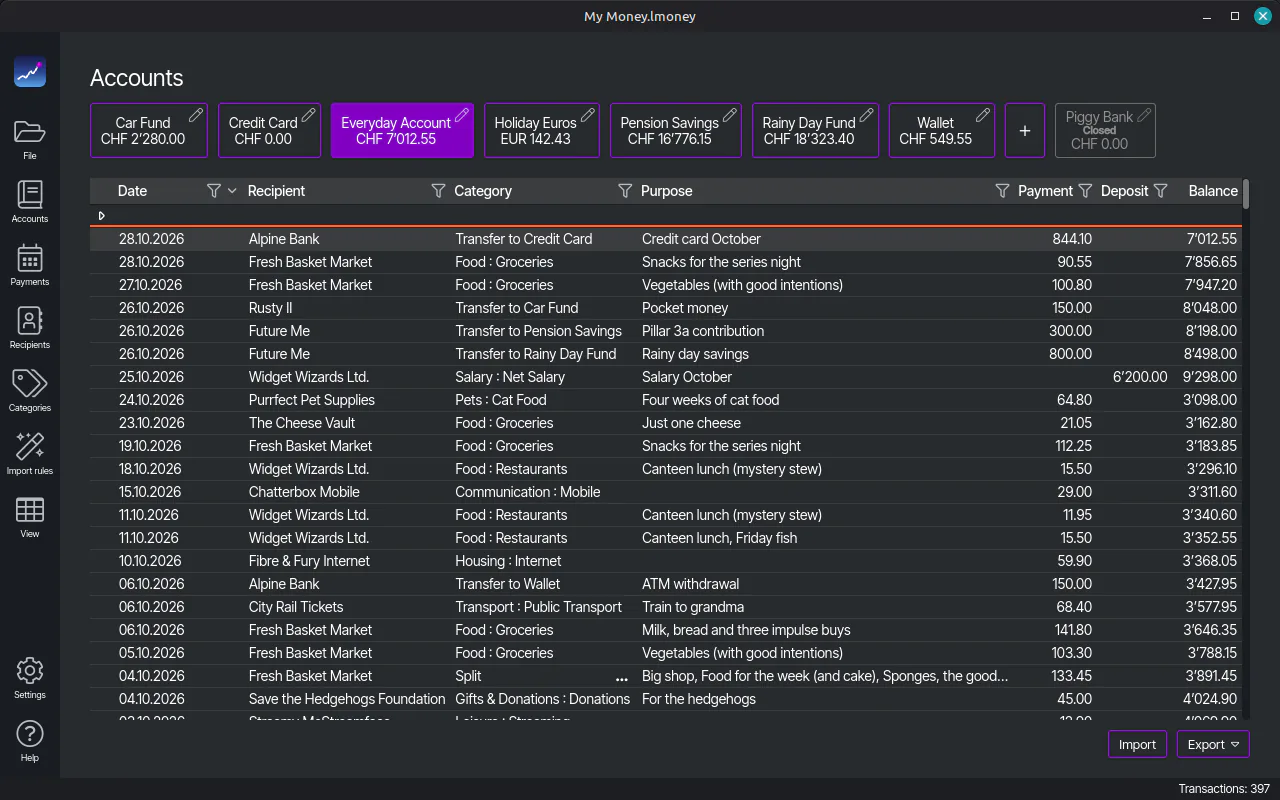
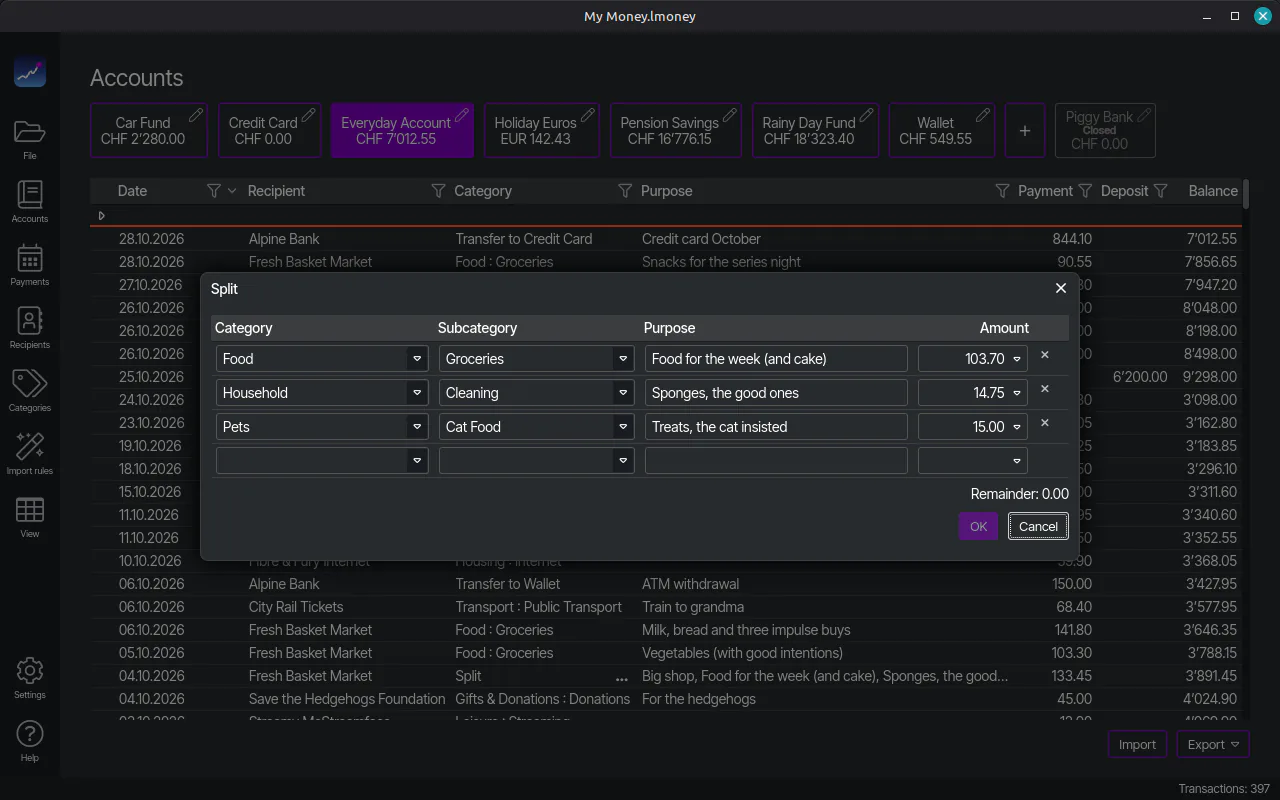
LocalMoney's account register in the Dark theme: the accounts as buttons on top, the transactions of the selected account with running balance below
Your register in the Dark theme, shown on Linux Mint.

Why it exists

The heir to MS Money 97

MS Money 97 kept my finances in order for decades, until Windows 11 refused to run it.

LocalMoney picks up where it left off: it reads the old .mny file, brings back the register I'm used to, and stores everything in a file on my own disk.
How far I went to keep Money 97 alive is on the About page.

What it does

Your money, the way it used to work

Accounts, categories, payments. Bookkeeping, not a lifestyle app.

  • Rescues your Money 97 file

    Open your old .mny file and LocalMoney brings over accounts, categories, payees, transfers and splits. Decades of history, rescued.

  • A register like you remember

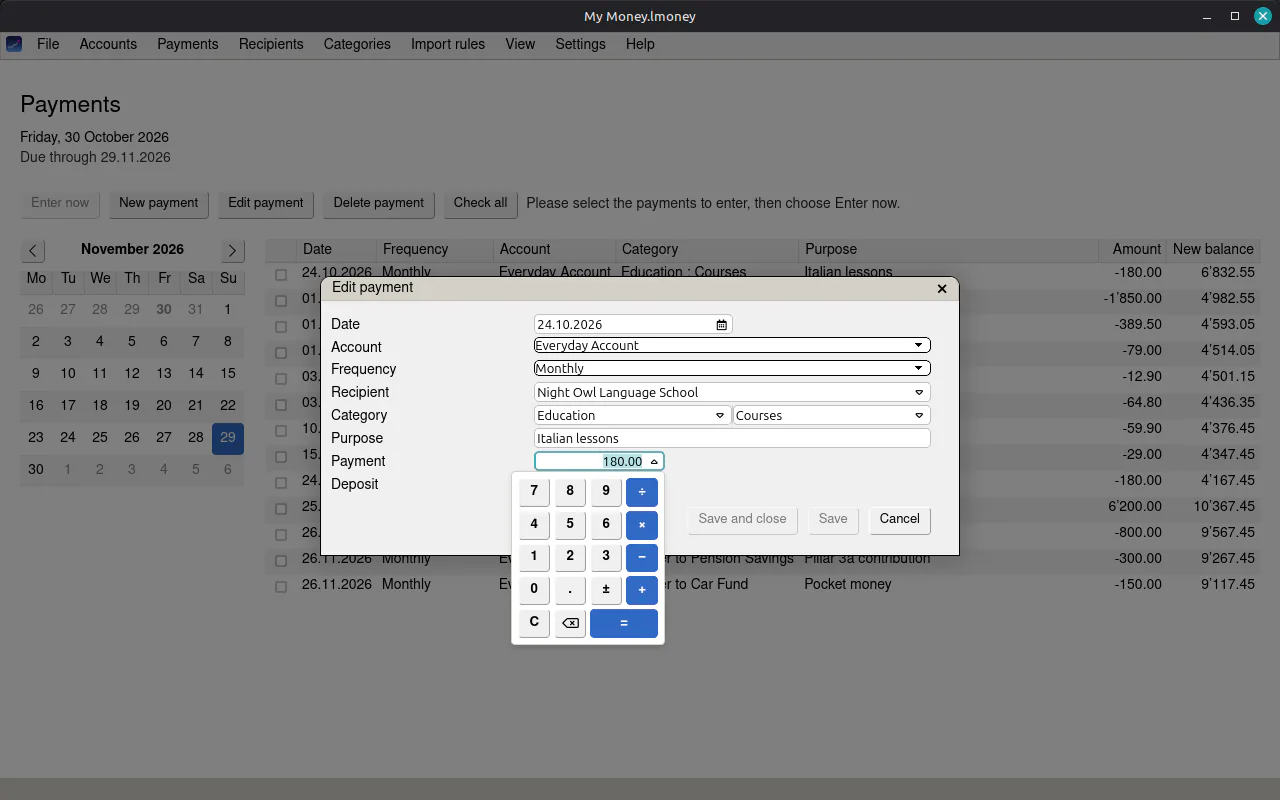
    Accounts in any currency with a running balance, keyboard navigation from row to row, a calculator in every amount field and a calendar in every date field.

  • Bank imports with rules

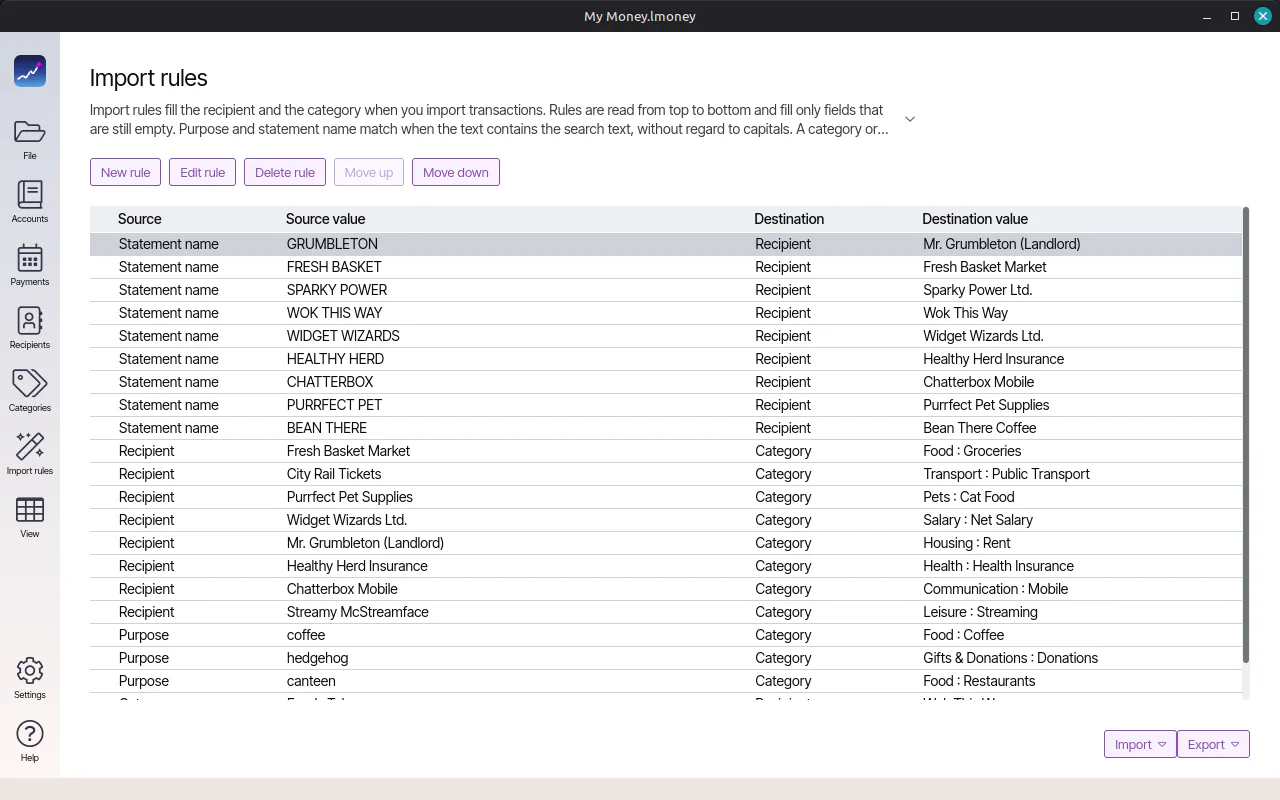
    Import camt.053 statements from your e-banking, one file or a zip of several. Rules assign categories and recipients automatically.

  • Rules you can tweak on the spot

    Edit a rule right from the import, and move rules into the order they should apply.

  • Excel in, Excel out

    Export an account's register to Excel or CSV, filtered and sorted the way you see it. Your import rules go out and come back in, so you can edit them in bulk there. Spreadsheet people, rejoice.

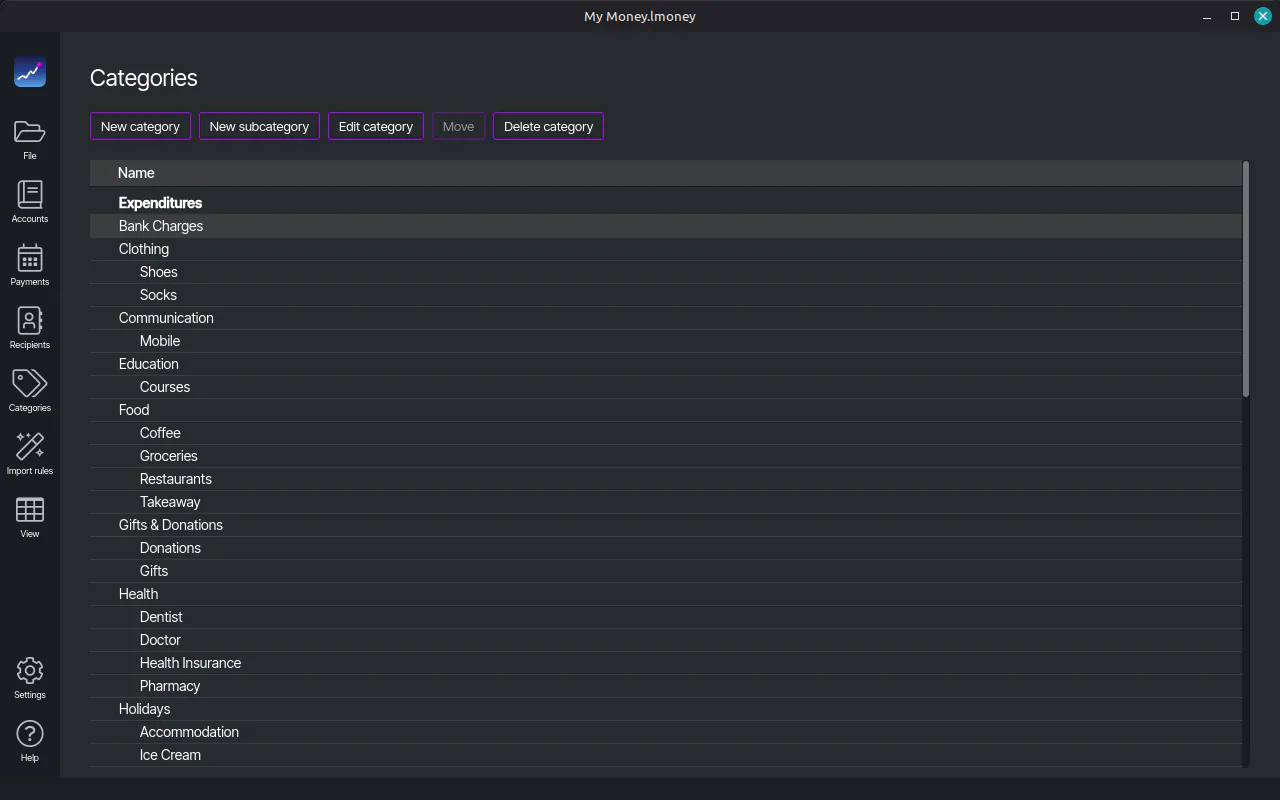
  • Categories and recipients

    Categories with subcategories, and a recipient list that remembers who you pay.

  • Planned payments

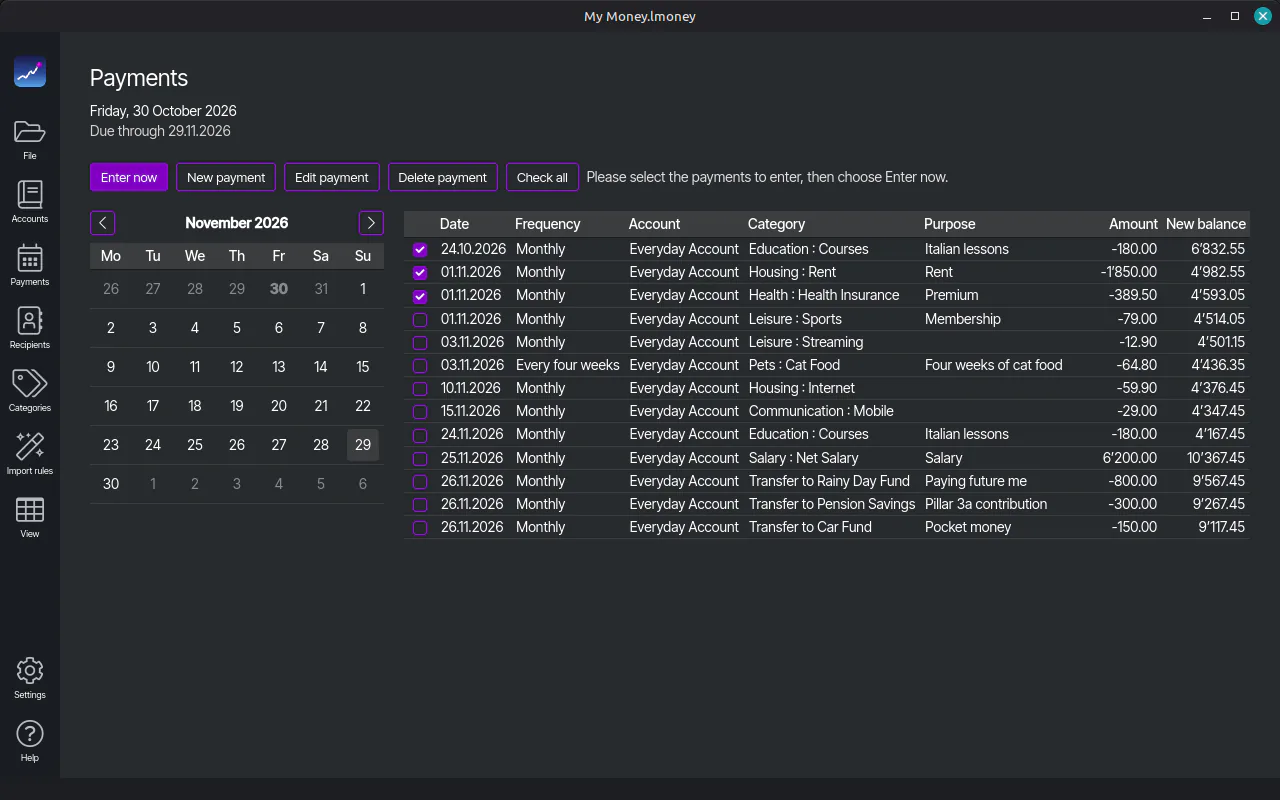
    Recurring payments in a calendar. Mark what's due and enter it with one click.

  • Splits and transfers

    Split a transaction across categories, even after the fact, or move it to the account it actually belongs to.

  • Backups and passwords

    Configurable backups, and an optional password for your accounts file. Belt and braces.

  • Dark, Light, OS, or your own

    Dark or Light, matching your system, or OS for your system's plain look. Finances look less scary in the dark. Speaks English, German, French and Italian. Add your own theme or language, and LocalMoney detects it by itself. Here's how.

All features

Your data

Your money, in plain text

Your accounts file is a plain zip with a human-readable accounts.json inside. Settings are JSON, too. Nothing is locked away from you.

  • Open it Unzip it and read it in any text editor. Every account, every booking, in plain text.
  • Lock it Add a password if you like. Then it's a password-protected zip, still readable with that password.
  • Take it to Excel Any account's register goes out as an Excel workbook whenever you like, filtered the way you see it. No export fee, no premium tier.
  • Keep it forever One file, copied anywhere you like. It'll still open in thirty years, unlike certain finance apps I could name.
Accounts.lmoney › accounts.jsonexcerpt
{
  "SchemaVersion": 12,
  "Accounts": [
    {
      "ID": 1,
      "Name": "Checking account",
      "InitialAmount": 1200.00,
      "OpenDate": "1997-03-01T00:00:00",
      "IsFavorite": true
    }
  ],
  "Transactions": [
    {
      "ID": 4711,
      "AccountID": 1,
      "Date": "2026-10-02T00:00:00",
      "Amount": -42.50,
      "Purpose": "Flint, premium grade"
    }
  ],
  "Categories": [ … ],
  "ImportRules": [ … ]
}

Screenshots

Take a peek

Four in the Dark theme, then Light and OS. Click to enlarge.

Questions & answers

Fair questions

Is LocalMoney really free?

Yes. Same deal as LocalSound: no trial, no ads, no account.

Does it connect to my bank?

No, and it never will. Download a camt.053 statement from your e-banking and import it. LocalMoney never sees your bank login.

Can it really open my MS Money 97 file?

Yes, that's what it was built for. Other Money versions are untested. Try it and tell me how it went.

Where is my data?

In your accounts file (Accounts.lmoney by default), wherever you save it. Settings sit next door, in LocalMoney/userSettings.json in your documents folder. The Support page has all the paths.

Can I add my own theme or language?

Yes, the same way as in LocalSound. One difference: LocalMoney never opens up to a browser, not even for theme building. Your finances stay in the app window. Here's how.

What about budgets and charts?

Not yet. Both are on the roadmap, right below "sleep". Wishes are welcome.

Does it phone home?

Only to ask whether there's a new version, with a random install ID, the version number and your operating system, and once a month whether there's news, with just the version and language. Not a single amount. The privacy page has more.

Why isn't it open source?

For the same reason as LocalSound: after decades of writing code to other people's orders, I wanted something that's entirely my own. The longer answer is on LocalSound's page. Your accounts, on the other hand, are readable JSON inside a zip file, password optional.

Latest releases

Freshly booked

Full release history

What's next

Planned, not yet booked

The plan, without a due date. Unlike your electricity bill.

  • Budgets

    Set an amount per category and see what's left this month. If you kept a budget in Money 97, the import has already brought it over. It's waiting in your accounts file.

  • A dashboard

    One start page with the charts and lists that matter: balances, payments coming due, and where the money went.

  • Reports

    Spending by category, income against expenses, any period you like. The reports Money 97 used to print, minus the dot-matrix noise.

  • More bank formats

    Today it's camt.053. Next: MT940 for banks in Germany, Austria and the Netherlands, OFX and QIF for the US, Canada, the UK, France and Australia, and CSV with column mapping for banks that only speak spreadsheet.

System requirements

What you need

Requirement Windows Linux
System Windows 11, 64-bit 64-bit, with apt: Linux Mint 21, Ubuntu 22.04, Debian 12 or newer, and friends
Also needs Microsoft Edge WebView2. The installer adds it if it's missing. GTK 3, libnotify and WebKitGTK. apt installs them with the package.
Installs For your user only, no admin rights needed With one sudo apt install
Updates The app offers new versions and installs them on restart With your system updates; the app tells you when one is ready
Bring Your old Money 97 file, if you have one. Bank statements, if you don't.

Credits

Thanks where thanks is due

These projects do a lot of LocalMoney's heavy lifting.

  • Photino.NET

    The native window the app lives in, on Windows and Linux.

  • JackcessDotNet

    Opens MS Money 97 files, which are Access databases underneath.

  • SharpZipLib

    Zips your accounts file and adds the optional password.

  • Velopack

    The Windows installer and updates.

Download

Give it a try

It's free, and it won't judge your spending. Much.